
Face swap tools have become incredibly popular for their ability to switch faces in photos and videos, creating entertaining and often surprising results. With advancements in artificial intelligence, these tools have become more accurate, delivering impressive outcomes. This article will compare several popular face swap tools, detailing their advantages and disadvantages to help you choose the best one for your needs.
Understanding Face Swap Technology
Before exploring specific tools, it’s important to understand how face swap technology works. Essentially, face swap uses AI to detect and map facial features from one image to another. This involves analyzing the structure of the face, adjusting lighting and shadows, and seamlessly blending the swapped faces to create a convincing image or video.
Popular Face Swap Tools
Here’s a look at some of the most well-known face swap tools, along with their pros and cons:
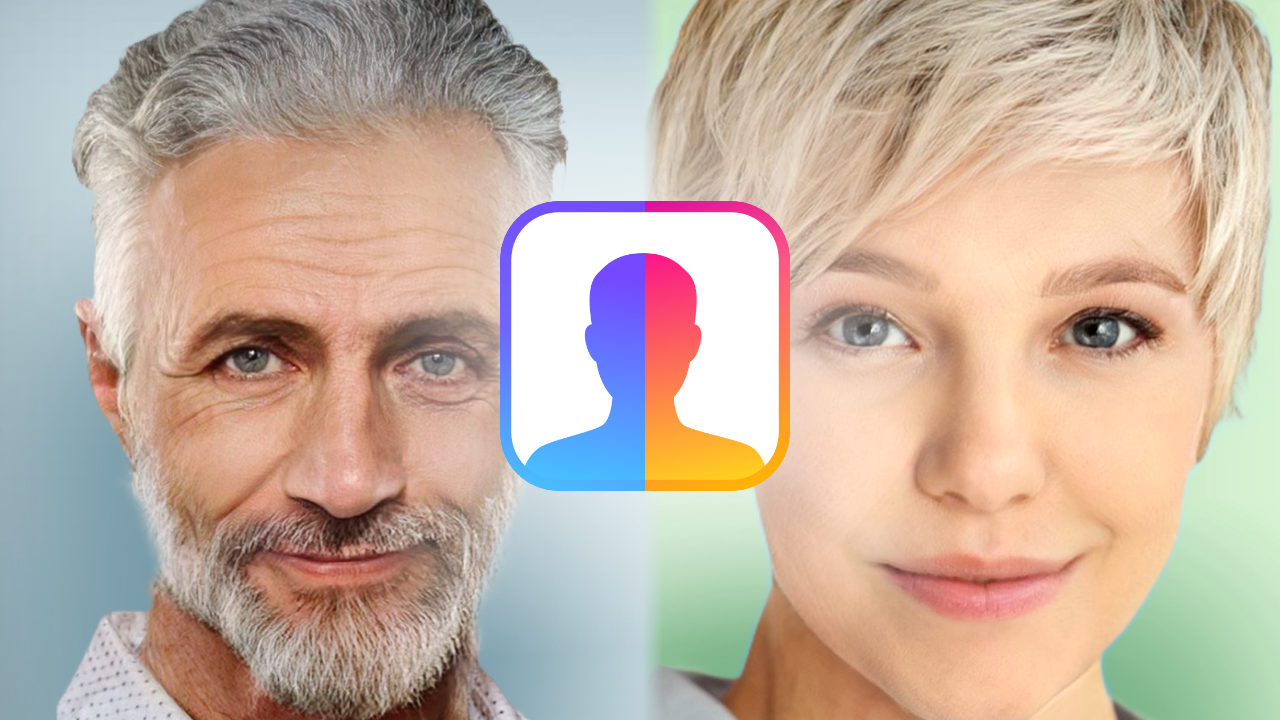
FaceApp
Pros:
- Easy to Use:FaceApp has a user-friendly interface, making it simple for anyone to use.
- High-Quality Swaps:The app uses advanced AI to produce realistic and detailed face swaps.
- Additional Filters:Beyond face swapping, FaceApp offers various filters like age progression, gender swap, and adding smiles, adding to its appeal.
Cons:
- Privacy Issues:FaceApp has faced criticism for its data privacy practices, particularly regarding user photos.
- Subscription Fees:While free to download, many features require a subscription.
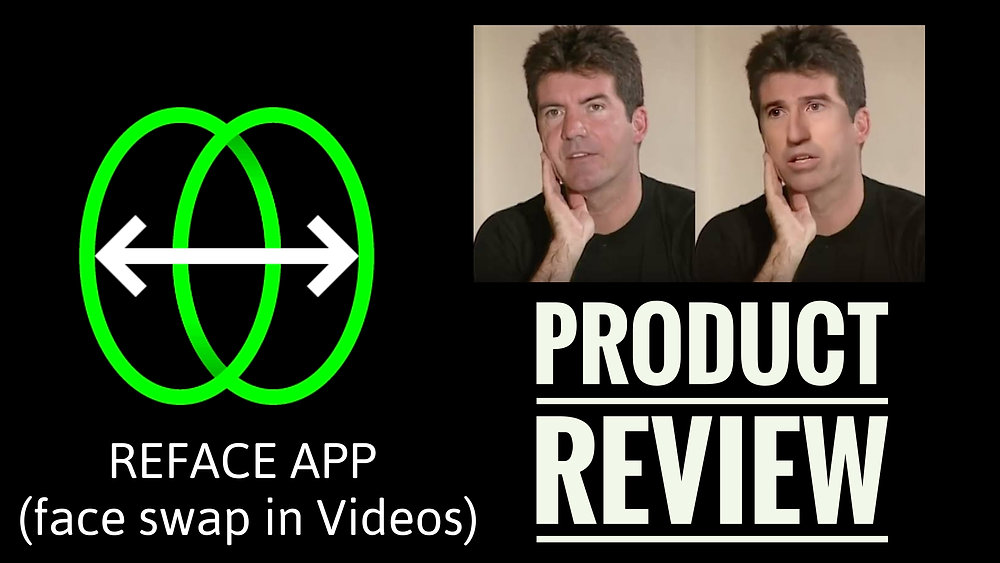
Reface
Pros:
- Great for Videos:Reface excels in face swapping for videos, allowing users to place their faces into movie clips, GIFs, and memes.
- Regular Updates:The app frequently adds new templates, keeping content fresh and interesting.
- Quick Processing:Reface processes swaps quickly, providing a smooth experience.
Cons:
- Watermark:Free users have to deal with a Reface watermark on their creations.
- Paid Features:Many advanced features and high-resolution exports require in-app purchases.
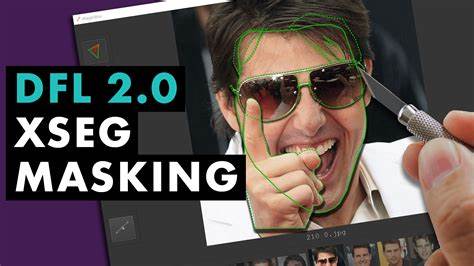
DeepFaceLab
Pros:
- Professional Quality:DeepFaceLab is a powerful tool used by professionals for creating high-quality face swaps.
- Highly Customizable:The software offers extensive customization options, allowing users to fine-tune various parameters.
- Open Source:Being open-source, it is free to use and benefits from community contributions.
Cons:
- Complex to Use:DeepFaceLab has a steep learning curve, making it less suitable for casual users.
- Requires Resources:The software needs significant computational power, which may not be available to everyone.
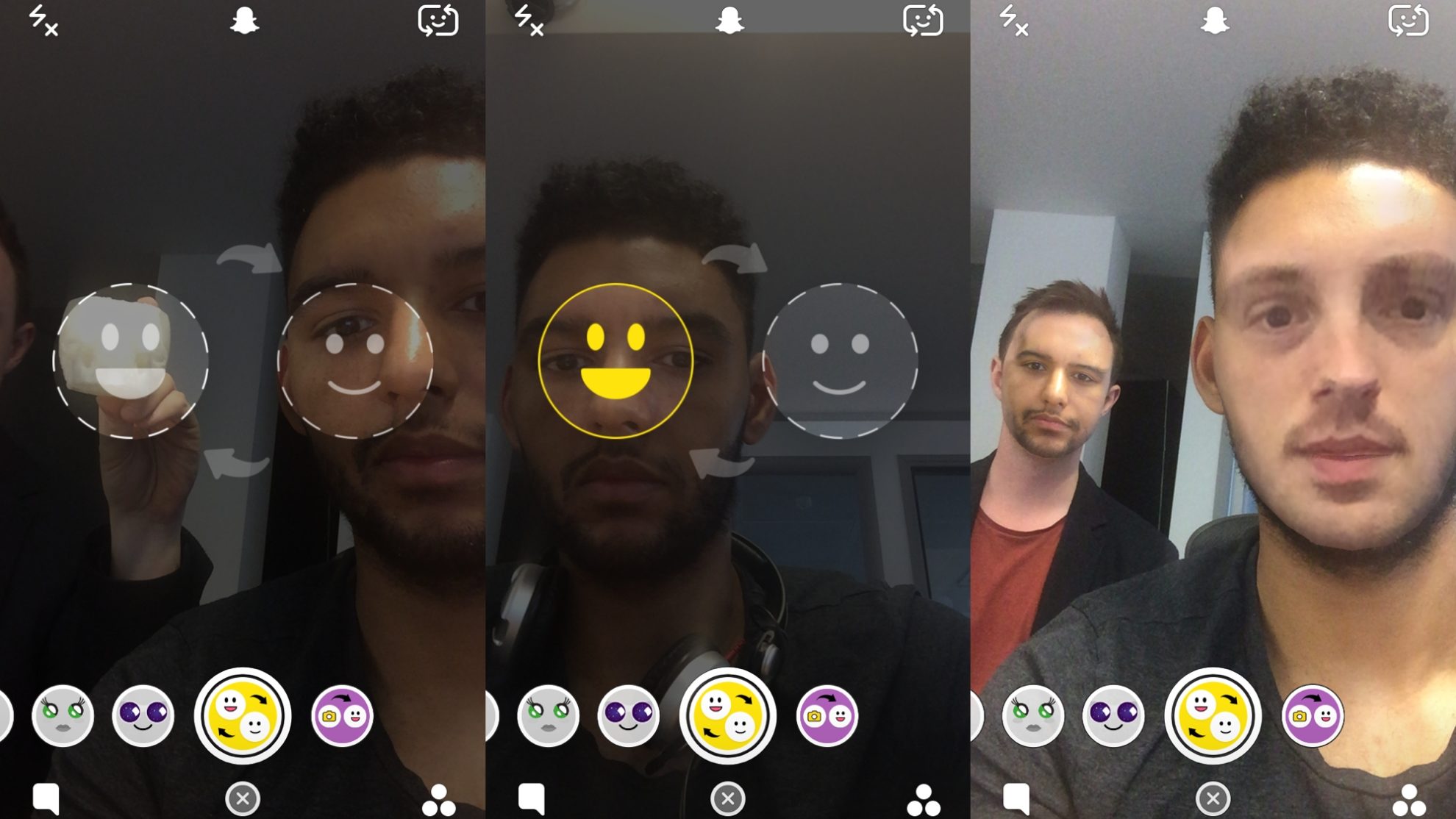
Snapchat
Pros:
- Widely Used:Snapchat’s face swap filter is easily accessible to its large user base.
- Fun and Engaging:The app’s AR capabilities make face swapping a fun activity, perfect for casual use.
- Easy Sharing:Snapchat allows quick sharing of face swaps within the platform.
Cons:
- Limited to Photos:Snapchat’s face swap feature works mainly with photos rather than videos.
- Basic Quality:While entertaining, the results may not be as polished as those from specialized tools.

Zao
Pros:
- Highly Realistic:Zao is known for producing very realistic face swaps, especially in videos.
- User-Friendly:The app’s straightforward interface makes it easy to create high-quality swaps quickly.
- Free:Zao is free to use, with no hidden costs for its main features.
Cons:
- Privacy Concerns:Like FaceApp, Zao has raised issues about its data privacy practices.
- Language Barrier:The app is primarily available in Chinese, which can be a challenge for non-Chinese speakers.
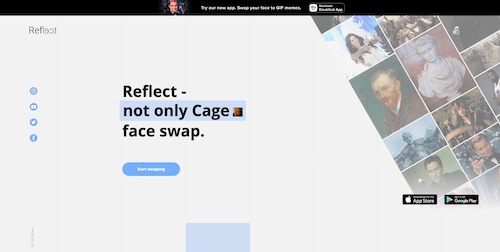
Reflect. tech
Pros:
- Web-Based: Tech works directly in web browsers, so there’s no need to download or install anything.
- Realistic Swaps:The tool uses advanced AI to create convincing face swaps.
- Free:tech is free to use.
Cons:
- Fewer Features:Compared to other tools, reflect. Tech offers fewer additional features and customization options.
- Internet Dependent:As a web-based tool, it needs a stable internet connection to work properly.
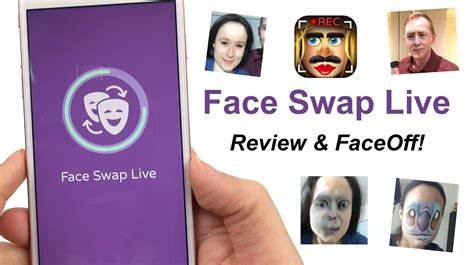
Face Swap Live
Pros:
- Live Swapping:This app allows users to swap faces in real time using the camera feed.
- Multiple Modes:Face Swap Live offers different modes, including swapping with photos and using live face masks.
- Easy to Use:The app is simple to navigate, and suitable for users of all ages.
Cons:
- Performance Issues:Some users report that the app can be slow or crash occasionally.
- In-App Purchases:Many fun and advanced features require additional purchases.
Comparative Analysis
Choosing a face swap tool depends on your needs and preferences. Here’s a comparative analysis to help you decide:
Ease of Use:
- Easiest:FaceApp, Reface, Snapchat
- Moderate: tech, Face Swap Live
- Difficult:DeepFaceLab
Quality of Results:
- Best:DeepFaceLab, Zao, FaceApp
- Good:Reface, Reflect.tech
- Basic:Snapchat, Face Swap Live
Privacy:
- Best:tech (no downloads, browser-based)
- Good:Face Swap Live, Reface (standard app privacy policies)
- Concerns:FaceApp, Zao
Cost:
- Best: tech (free), DeepFaceLab (free and open-source)
- Moderate:Snapchat (free with basic features)
- Expensive:FaceApp, Reface (subscription models)
Choosing the Right Tool for You
Selecting the right face swap tool depends on what you need. If you want professional-quality face swaps and are willing to learn, DeepFaceLab is a great option. For casual fun and easy sharing, Snapchat or Face Swap Live are perfect. If privacy and simplicity are important, try Reflect.tech. Meanwhile, FaceApp and Reface offer a mix of quality and usability but come with a cost.
Conclusion
Face swap tools have made it easy and fun to create imaginative and entertaining images and videos. Whether you’re looking for a casual app for social media or a professional tool for high-quality results, understanding the pros and cons of each option can help you make the best choice. By considering factors like ease of use, quality of results, privacy, and cost, you can find the perfect face swap tool for your needs.
FAQs
1.Which face swap app is the most realistic?
- DeepFaceLaband Zao are known for their highly realistic face swaps, especially for videos.
2.Are face swap apps safe to use?
- Most face swap apps are safe, but it’s important to read their privacy policies. FaceAppand Zao have had privacy concerns, so use them carefully.
3..Do I need a powerful computer to use face swap tools?
- For web-based tools like Techand mobile apps, a powerful computer isn’t needed. However, tools like DeepFaceLab do require more computational power.
4.Can I use face swap tools for free?
- Yes, many face swap tools offer free versions with basic features. techand DeepFaceLab are completely free, while others like FaceApp and Reface have premium options.
5.Which face swap tool is best for videos?
- Refaceand Zao are excellent for creating high-quality face swap videos, with DeepFaceLab being ideal for professional-level deepfakes.
6.Are there any browser-based face swap tools?
- Yes, Techis a popular browser-based face swap tool that allows you to swap faces without downloading software.
